iPad in Education for Early Literacy Assessment and Instruction
The iPad is already a staple in many primary classrooms, but its full impact on early literacy comes to life when it actively supports both instruction and ongoing assessment.
With early literacy assessment solutions available as iPad apps, teachers can move beyond static, one-time evaluations, and instead capture, track, and respond to student learning in real time.
By using built-in iPad features intentionally with these apps, student assessment becomes embedded in daily instruction.
This article explores iPad in Education, for early literacy assessment and instruction.
If you use iPads in your school or are looking to acquire them in the future, here are key features to make the most of their impact in the classroom in early literacy.
How Early Literacy Teachers Can Use iPad Features
In early literacy, iPad is more than just a classroom device.
It has the potential to become a powerful tool for assessment, progress monitoring, and early literacy instruction.
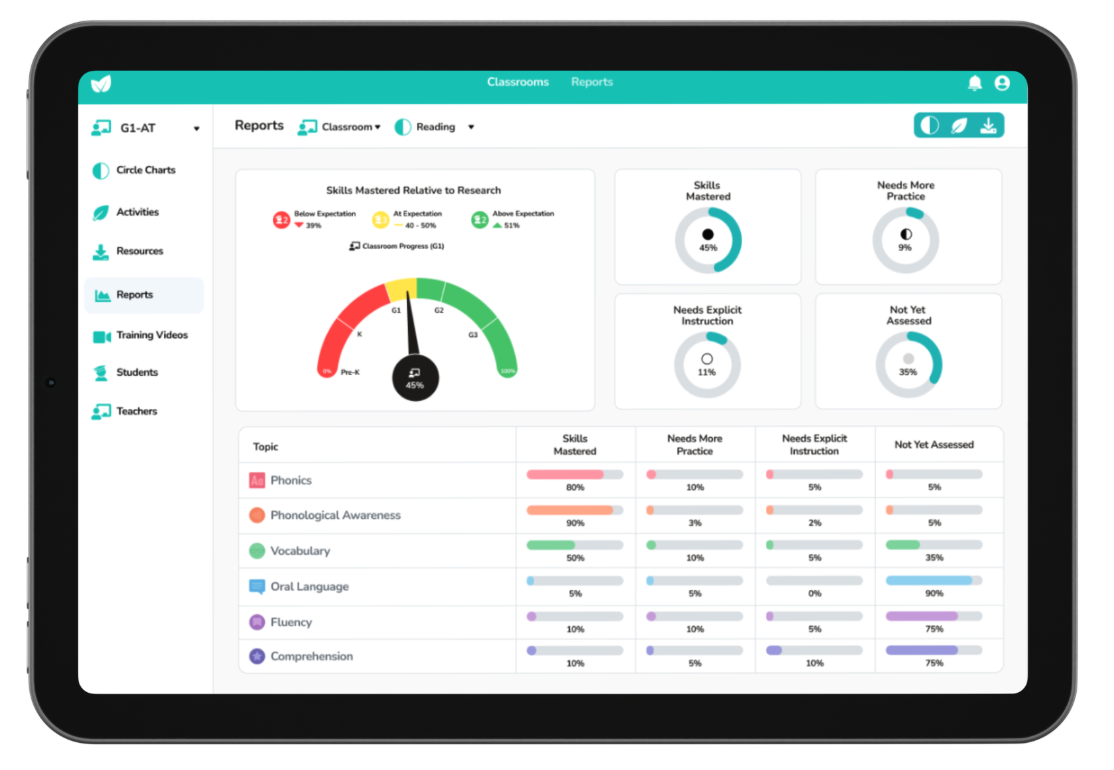
Teachers can seamlessly capture learning, analyze progress, and guide instruction within the natural flow of teaching.
Are you currently using any of the following features of iPad in your classroom?
Multimedia Capture of Real-Time Literacy Skills
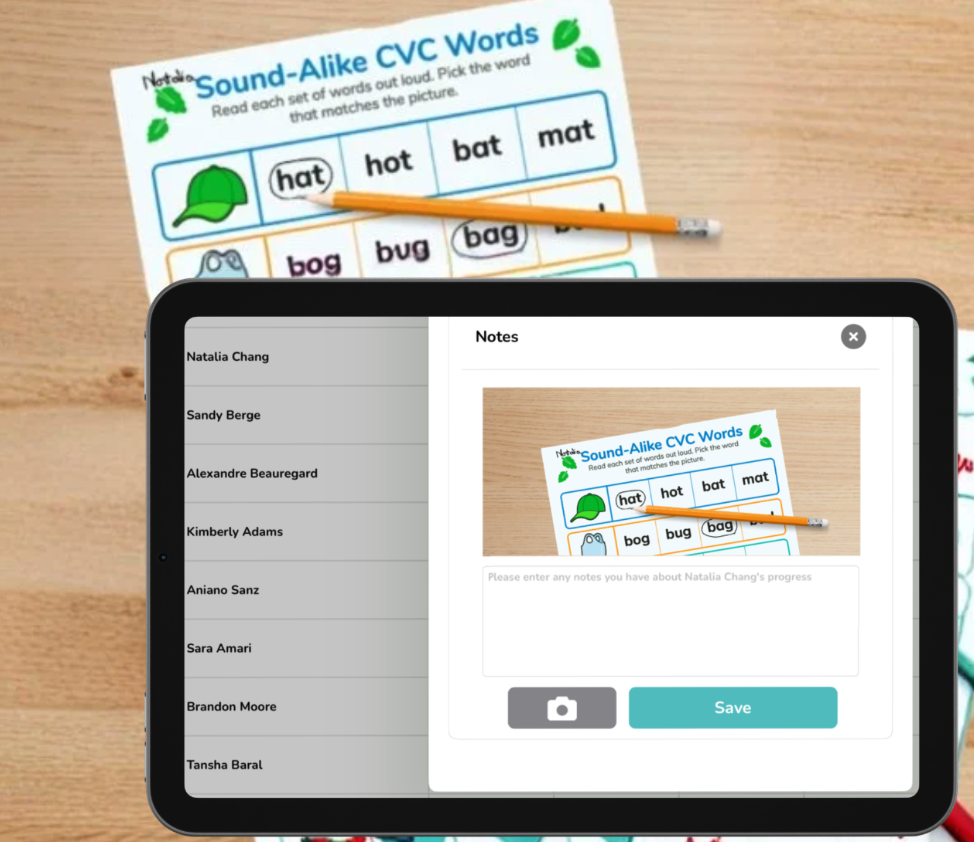
iPad features a high-resolution camera system with advanced sensors that support sharp photos, improved low-light performance, and smart HDR for balanced lighting and detail.
Its video capabilities include recording in up to 4K resolution and enhanced audio capture for smooth, high-quality footage.
Sprig Reading allows teachers to capture video, audio, and photo evidence of student reading directly on the iPad. This makes it possible to:
- Document visual progress for students across foundational skills over time, adding to their ongoing digital student profile.
- Share meaningful insights with the literacy team and caregivers. Such as an educator sending audio/video of student work to literacy interventionists for review. Or a literacy coach demonstrating the correcting application of an instruction technique via AV.
- Revisit student performance to inform instruction and intervention.
Teachers can also scan worksheets or writing samples, adding depth to each student’s literacy profile and supporting more accurate assessment.
Mobility for Flexible Classroom Instruction
An obvious feature, but the portability of iPad allows teachers to assess and instruct anywhere. In a classroom environment, this supports:
- Flexible small-group instruction.
- Real-time assessment during whole classroom activities.
- Seamless movement between students.
This mobility enables teaching to happen in the moment, wherever learning is taking place in the classroom.
For example, with Sprig Reading on iPad, teachers can make progress monitoring assessments with small groups of students at their desk, individually with students, or even when engaged in whole class instruction.
Touch and Gesture-Based Interaction for Intuitive Teaching
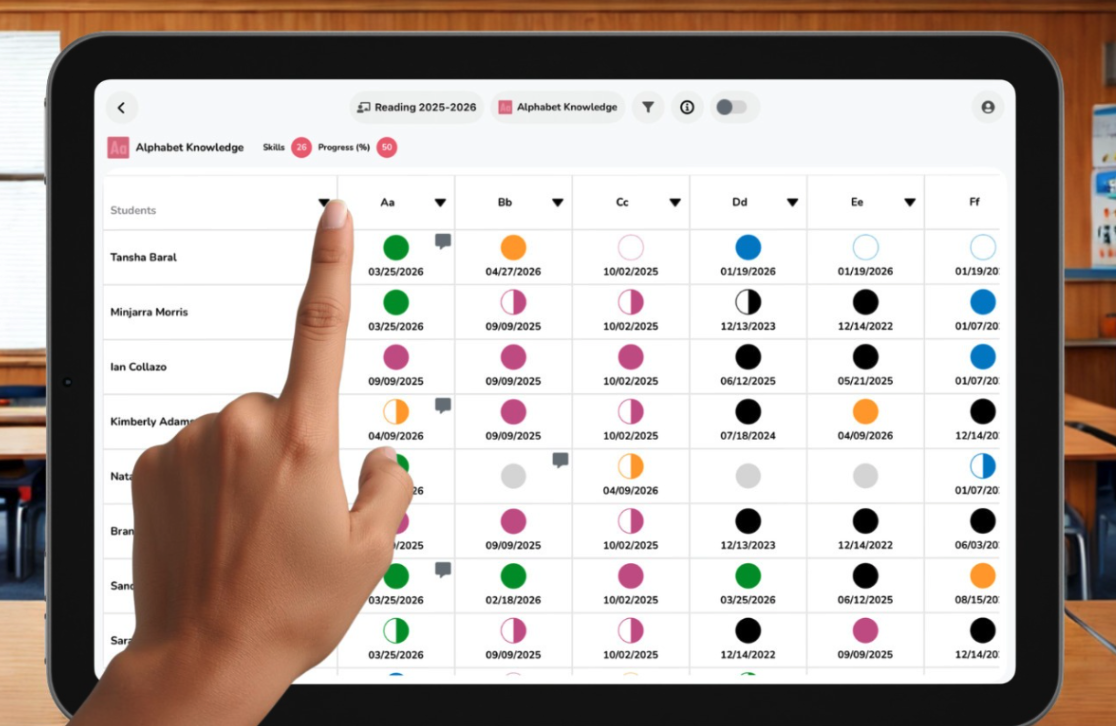
iPad’s intuitive design supports efficient, uninterrupted instruction. When using Sprig Reading, teachers can:
- Quickly navigate between student profiles and assessments.
- Tap to record observations and select specific literacy skills.
- Access aligned activities and resources instantly.
This ensures assessment is fully integrated into teaching, rather than treated as a separate task.
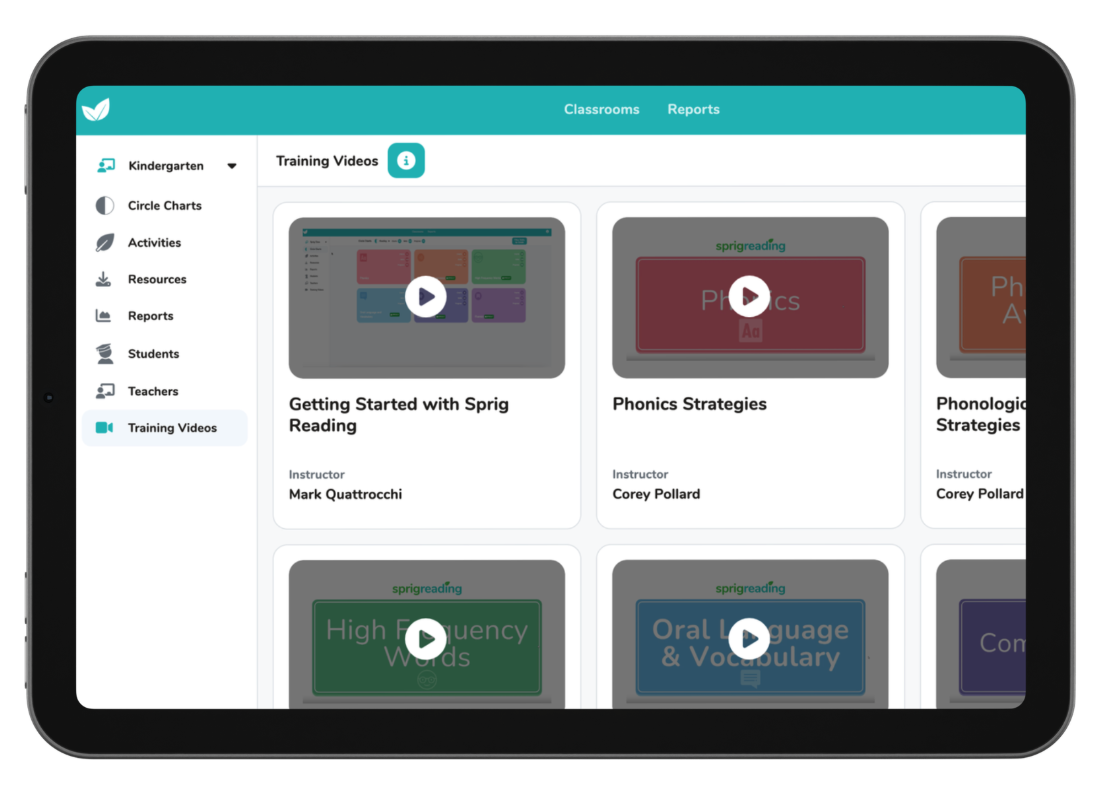
It also allows teachers to pair their explicit instruction with engaging activities and resources to practice and reinforce the taught concepts.
Stylus and Input Devices for Precision and Engagement
Using an iPad stylus enhances both teaching and assessment. Teachers can:
- Write and annotate directly on the screen.
- Draw attention to certain elements on the screen, when instructing or assessing students.
This helps bridge the gap between traditional paper-based learning and digital instruction, making student learning more participative and visible.
Offline Access for Uninterrupted Teaching
Offline functionality ensures learning continues regardless of connectivity. By downloading Sprig Reading on the device, for example, teachers can:
- Access student data without internet access.
- Conduct assessments in any environment.
- Sync data later when reconnected with the school’s network.
This ensures assessment and instruction remain consistent even in low-connectivity or unpredictable environments.
Split View and Multitasking for Teaching and Assessing Together
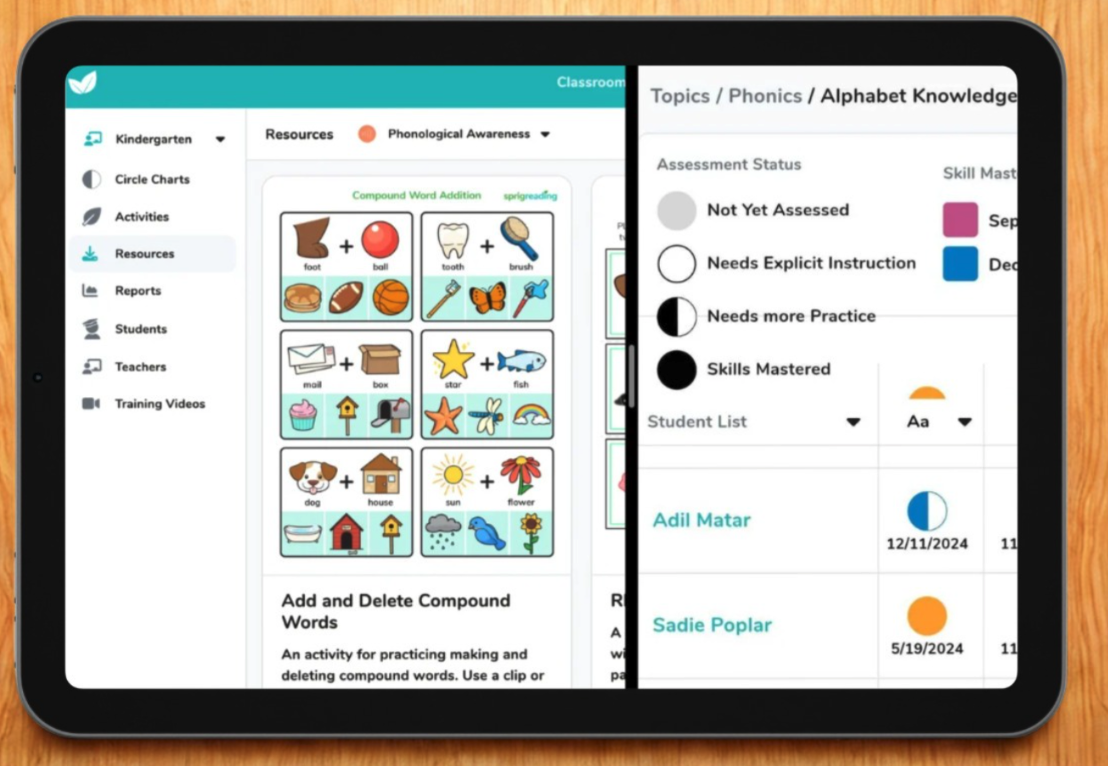
With Split View, teachers can use Sprig Reading alongside lesson materials to:
- Teach and assess at the same time.
- Reference lesson plans while recording observations.
- Adjust instruction immediately based on student responses.
This is especially valuable for small group instruction and guided reading sessions, where lesson plans or reading text may have to be referred to or adjusted on the spot.
Notifications and Reminders for Consistent Progress Monitoring
iPad has a built-in Reminders app that allows you to create tasks and set alerts. Consistent tracking is essential in early literacy. Reminders and alerts help teachers:
- Conduct regular checks on key phonics and reading skills.
- Ensure no student or skill is overlooked.
- Stay organized in fast-paced classroom environments.
This supports sustained, consistent assessment practices so student progress is monitored continuously rather than intermittently.
Focus Modes for Accurate Assessment
iPad Focus mode reduces distractions by allowing you to customize notifications, home screens, and app usage based on your current activity.
Focus modes help create a distraction-free environment, allowing early literacy teachers to:
- Gather more precise insights into student performance.
- Support student attention during reading tasks.
- Maintain structured assessment conditions.
This improves the reliability of assessment by ensuring student performance reflects true understanding.
Security and Privacy for Student Data Protection
The iPad provides a secure environment for managing student information. It includes features like secure access via FACE or touch ID, app tracking transparency, etc. This ensures:
- Student data is protected.
- Information remains confidential.
- Schools meet privacy and compliance expectations.
This creates trust in digital assessment systems while ensuring sensitive student information remains safeguarded at all times.
Sprig Learning takes student data privacy seriously with its own protocols in place, so when software security is combined with device security, it creates the safest environment for both students and their teachers.
How iPad Supports Students Directly
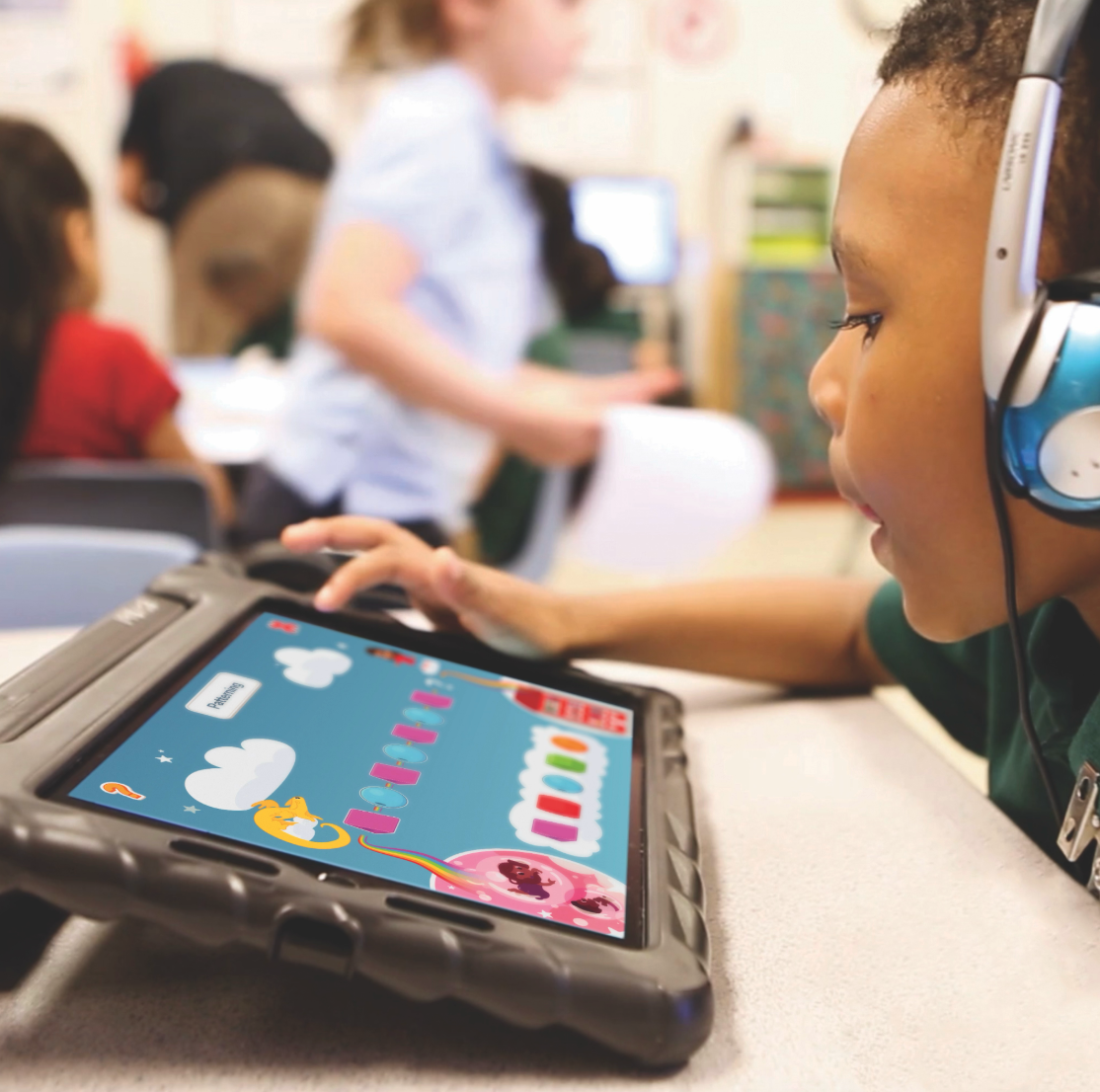
While the aforementioned features are designed to support teachers, they also enhance student learning where instruction and assessment involves students engaging with iPad. Pictured above is Sprig Explorers, a game-based early math assessment that uses iPads to engage learners in interactive play.
iPad’s interactive, touch-based design allows students to directly engage with sounds and letters, supporting kinesthetic learning and making early literacy concepts more concrete and engaging.
Accessibility Features for Inclusive Literacy Instruction
A major advantage of iPad in education is accessibility. iPad supports inclusive teaching with features such as:
- AssistiveTouch for motor support. It allows users to replace physical buttons and gestures with a customizable virtual menu.
- Switch Control for diverse learners. It enables users to interact with iPad by activating a switch, such as pressing an external adaptive button, performing a head movement, or making a voiced or voiceless sound.
- Closed captions for multimedia content. iPad usually shows standard subtitles and captions, but you can also choose special accessible captions,such as subtitles for the deaf and hard of hearing, if available.
These tools ensure all students can participate meaningfully in literacy instruction and assessment.
Text-to-Speech for Reading Support
Text-to-speech is a powerful tool for early readers, where iPad can read out loud anything on the screen or that is typed. It helps:
- Support visually challenged students.
- Reinforce pronunciation and word recognition.
- Support comprehension during independent work.
This feature builds independence and confidence, especially for students who are still developing foundational reading skills.
Speech Recognition for Oral Language Development
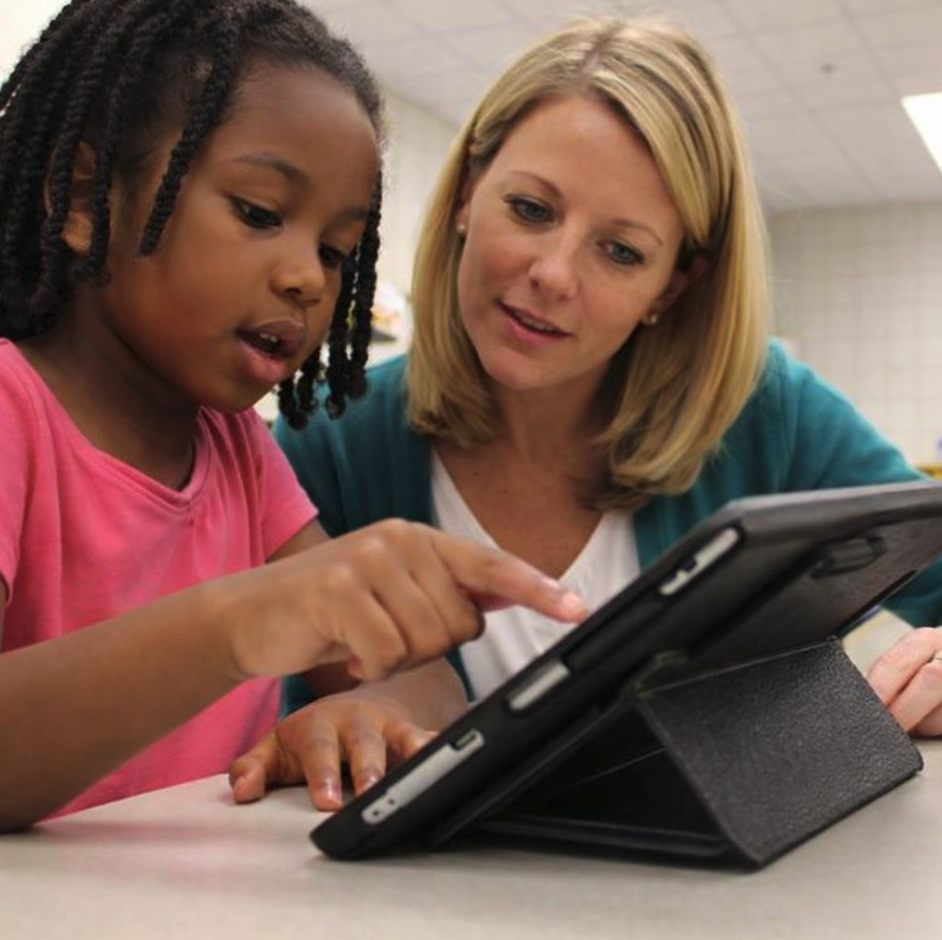
Speech recognition allows students to respond verbally, which is critical in early literacy. It enables teachers to:
- Capture oral reading fluency.
- Strengthen connections between spoken language and reading.
This supports a more complete picture of student literacy development by valuing oral language as part of reading progress.
Bringing It All Together. Optimizing iPad for Schools.

When iPad is used intentionally in education, tools like Sprig Reading transform the device into a real-time instructional partner.
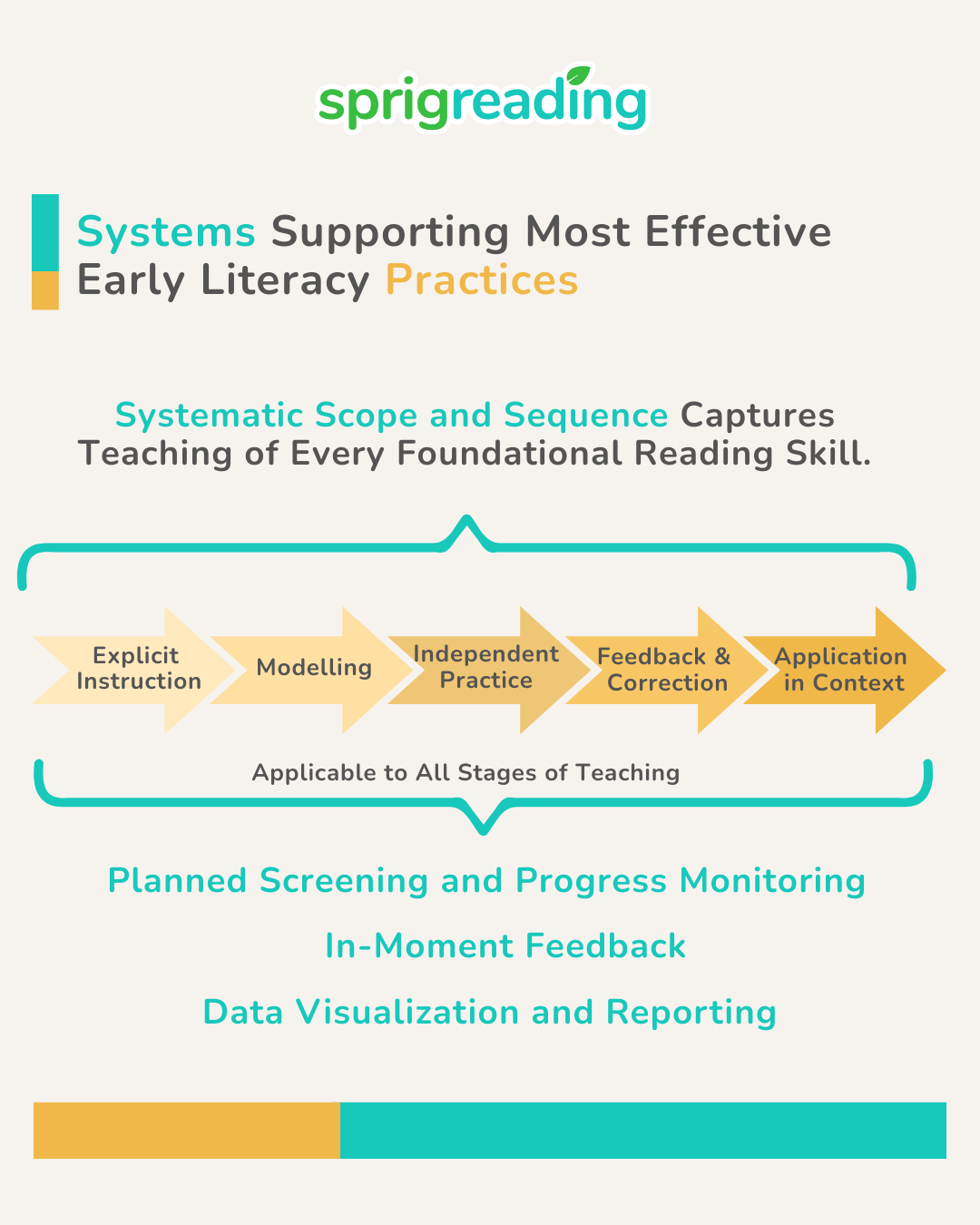
Teachers can integrate assessment into everyday instruction, respond immediately to student needs, and build a complete picture of progress across all foundational reading skills.
The result is a more efficient, data-informed, and impactful approach to early literacy instruction, one where every student is supported.



 UFLI Foundations and the UFLI Foundations manual are the property of the University of Florida Literacy Institute©. All rights reserved.